
ContentCraft
Open Appi-Resonate Help Center
ContentCraft Help
BrandVoice
Content Campaigns
Scheduling
Team Management / WorkFlows
ProofLex Help
MindWrite Help
Create Content Calender with ContentCraft
A content calendar is a planned schedule that organizes what content you publish, when you publish it and where it goes.
Creating a content calendar allows you to plan ahead, maintain a clear content strategy and avoid last-minute rushes.
ContentCraft simplifies this process by helping you create structured content calendars with your personalized brand voice.
Follow these Steps to create your first content calendar with ContentCraft:
Step 1: Once your account is set up!. Click the “+” icon to get start with content calender.
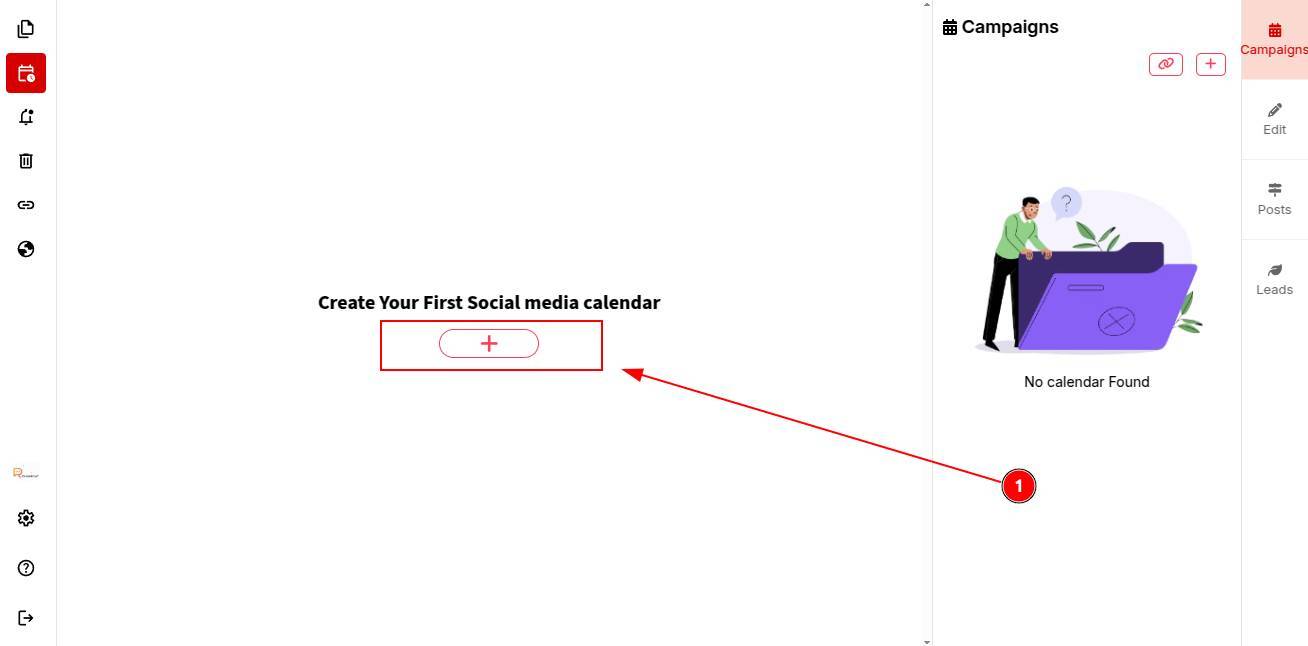
A weekly content calendar will be created automatically.
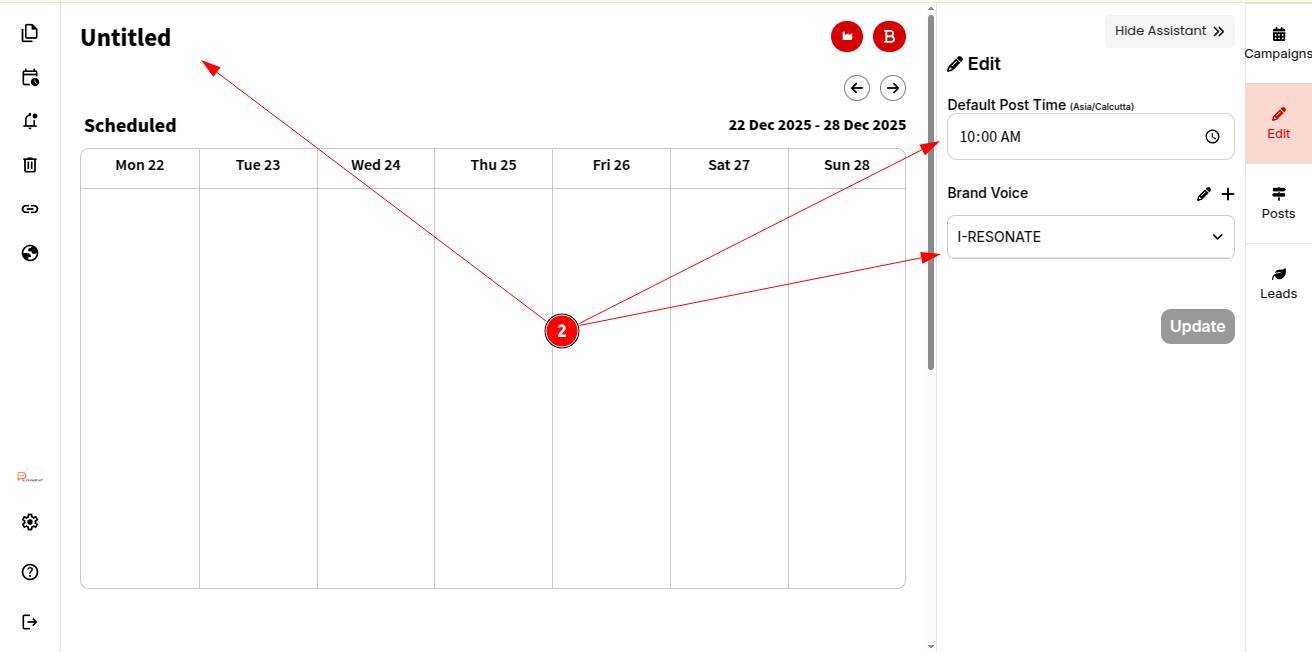
Step 2: Add your post time, select your brand voice and give your calendar a name.
Step 3: Click Update.
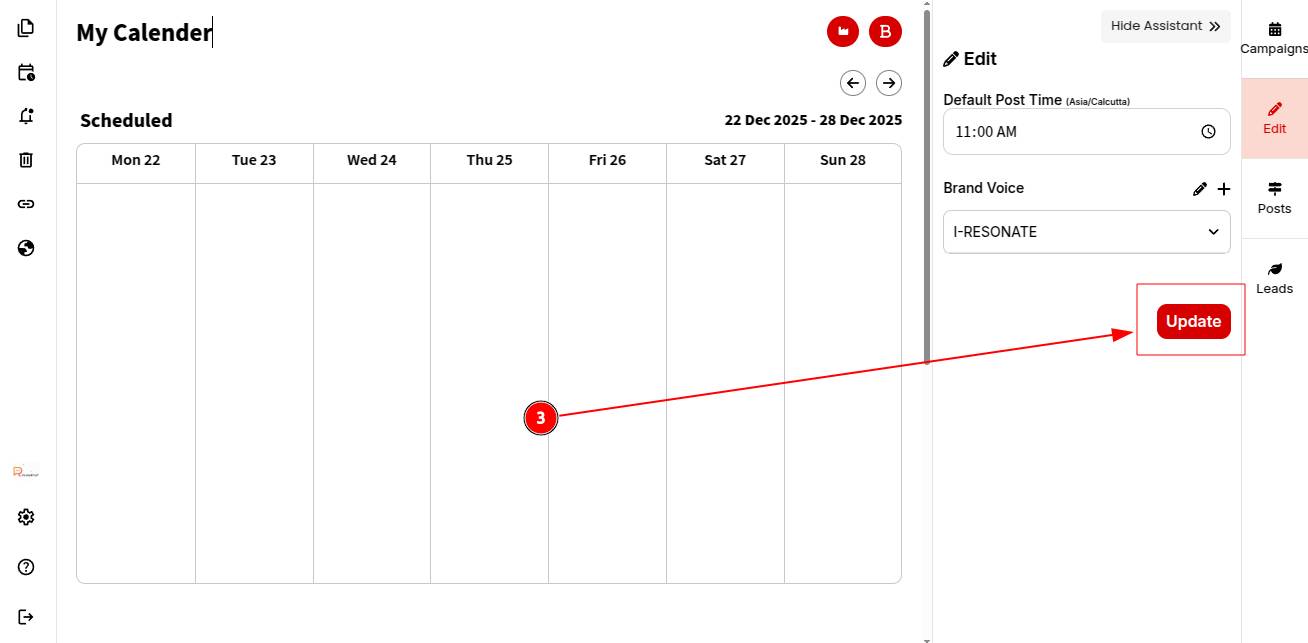
Your content calendar is now created. You can proceed to create posts for the calendar.