
ContentCraft
Open Appi-Resonate Help Center
ContentCraft Help
BrandVoice
Content Campaigns
Scheduling
Team Management / WorkFlows
ProofLex Help
MindWrite Help
Create Infographics with ContentCraft
Infographics are visual representations of data or ideas that make complex concepts easier to understand at a glance.
By combining graphics, icons and concise text, they turn dry information into engaging digestible content.
Creating infographics helps you:
-
Capture attention quickly in crowded social feeds.
-
Simplify complex messages for better audience understanding.
-
Increase engagement and shareability.
ContentCraft makes creating infographics effortless. Its AI-powered tools guide you through choosing trending topics so that you can generate high-quality infographics in minutes.
Step-by-Step guide to create an Infographic in ContentCraft:
Step 1: Open your campaign Planner and select Infographics from the post creation dropdown.
Step 2: Pick a specific content pillar that aligns with your post audience.
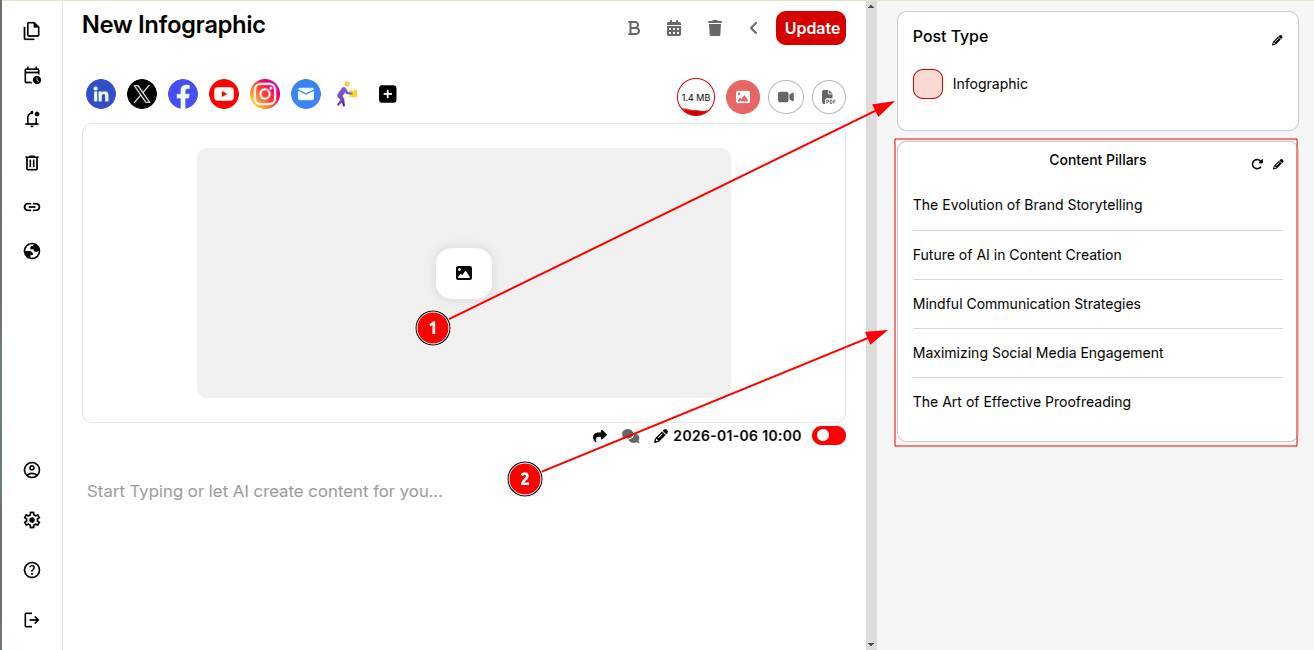
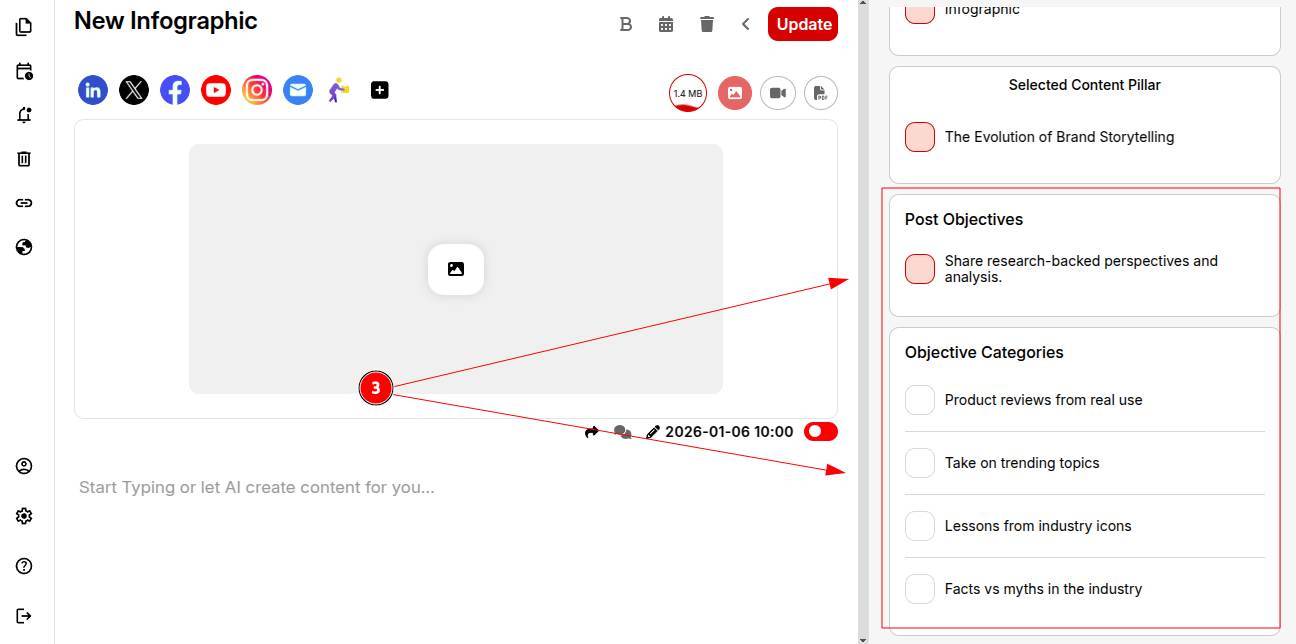
Step 3: Choose the infographic’s post objectives and objective categories so AI understands your goals.
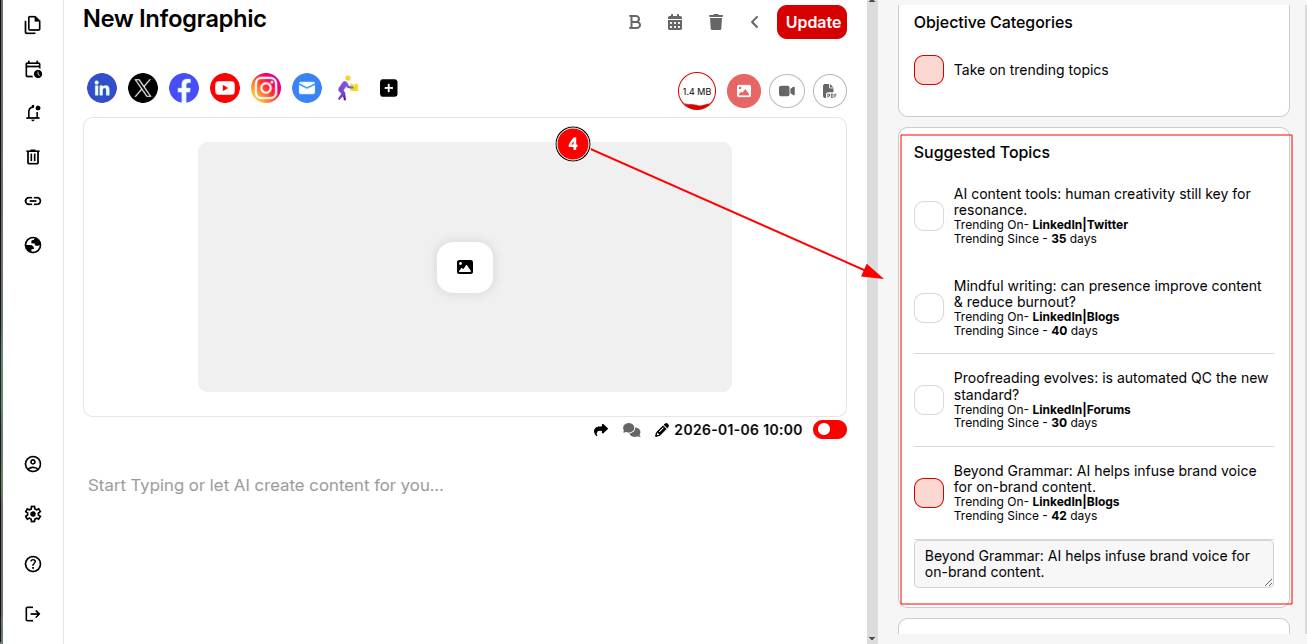
Step 4: Review AI-powered trending topic suggestions and pick one that fits your audience and purpose.
Step 5: Write a brief viewpoint or opinion to ensure your personality comes through.
Step 6: Select a structure (e.g..2-hooked paragraphs, 5 bullet points). You can save this structure to reuse in future posts.
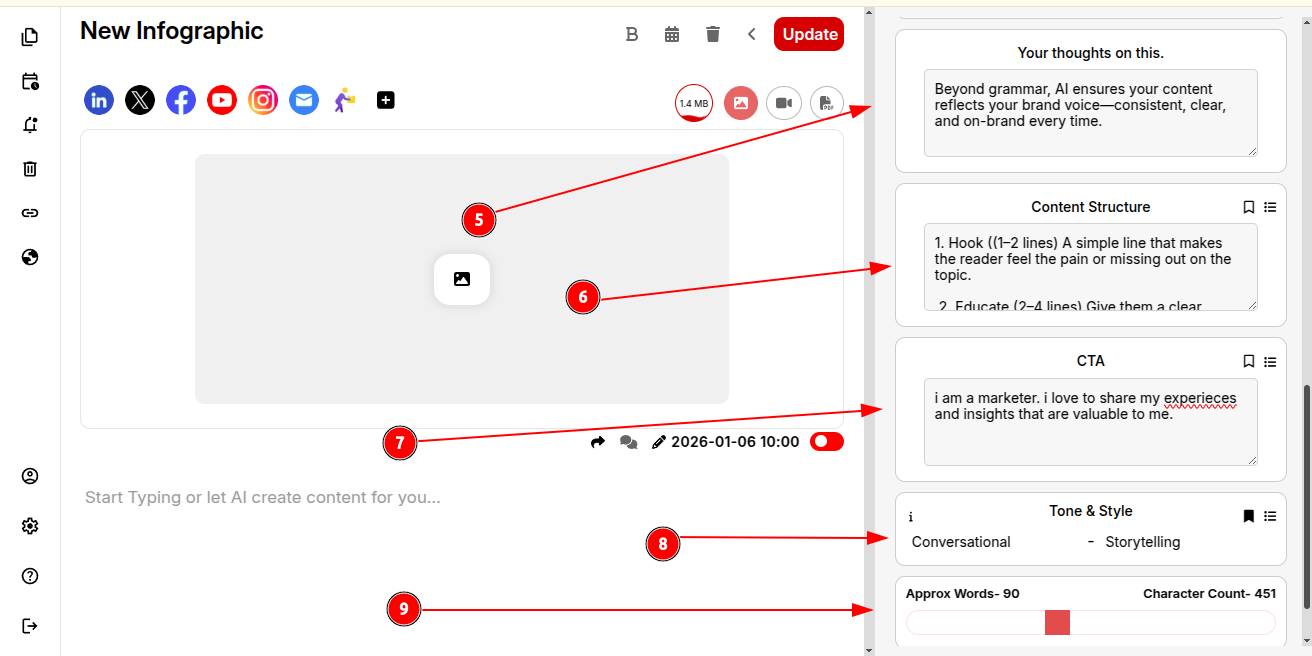
Step 7: Add and save your CTA to include automatically in future posts.
Step 8: Set your tone of voice and writing style for consistency across all posts.
Step 9: Define your desired word count and click Generate Post.
Step 10: Boom! Your infographic is ready to publish.
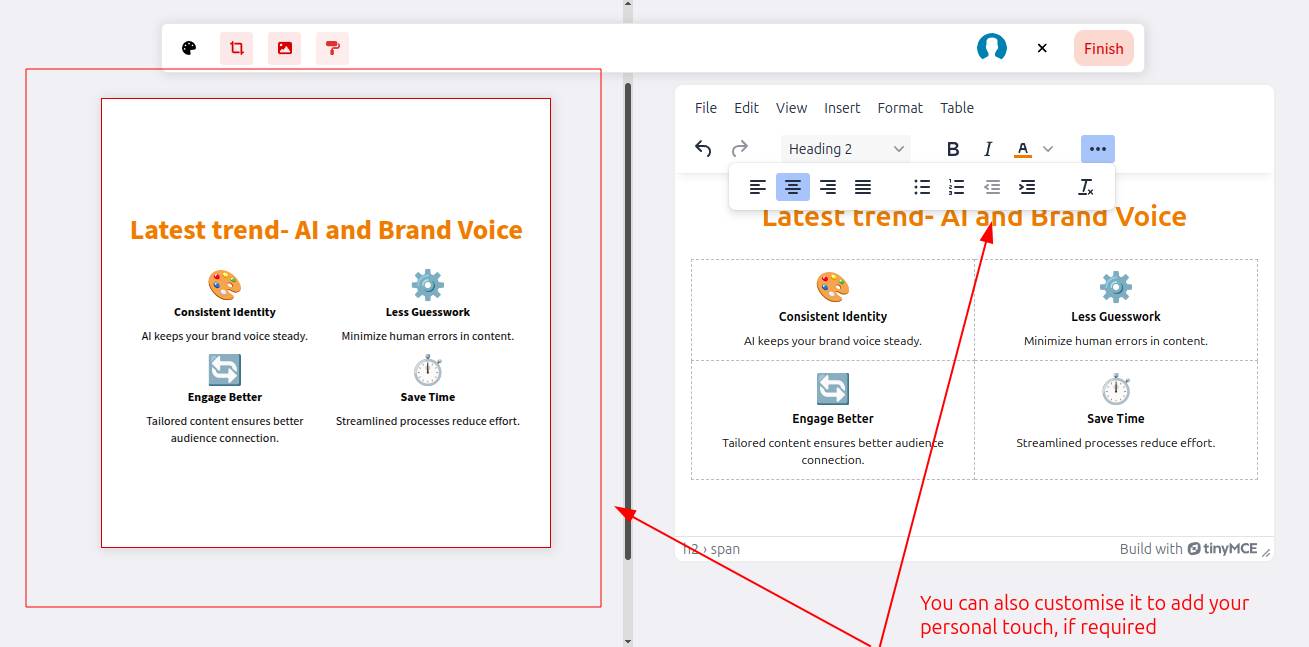
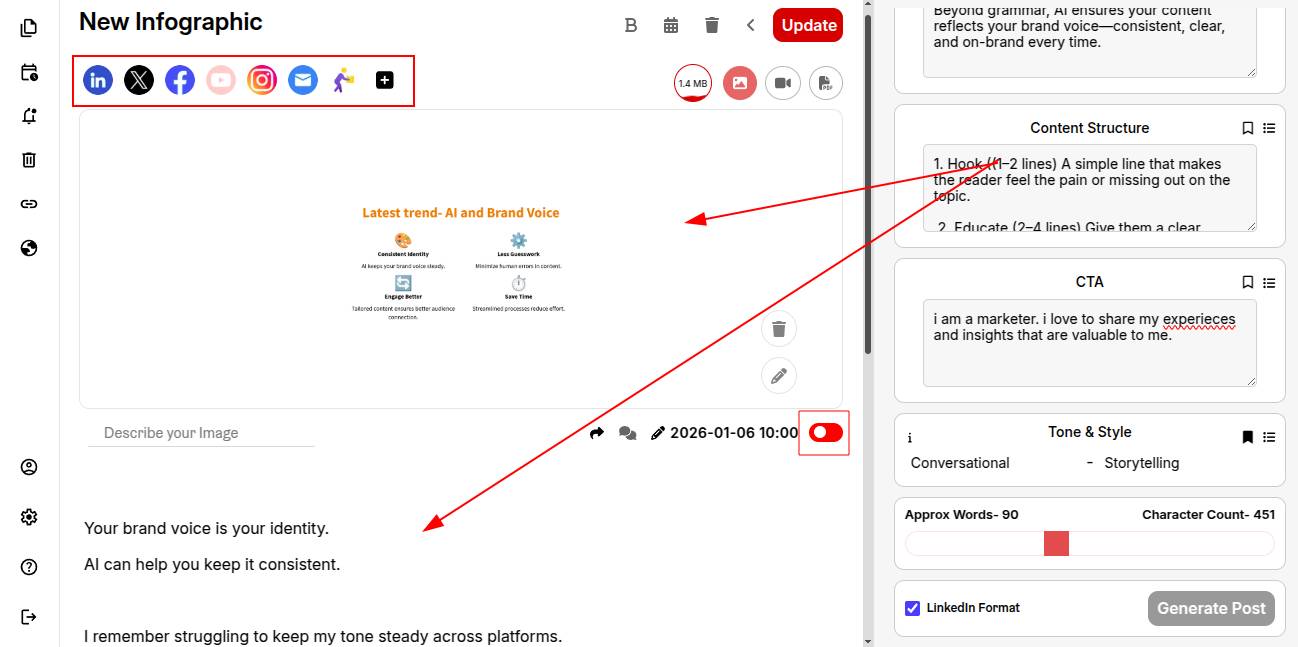
Your content and infographic are ready. Select the platforms and toggle the switch to green to schedule your post instantly.
You can also explore creating carausals with ContentCraft.