
ContentCraft
Open Appi-Resonate Help Center
ContentCraft Help
BrandVoice
Content Campaigns
Scheduling
Team Management / WorkFlows
ProofLex Help
MindWrite Help
Smart edit your content in ContentCraft.
Creating content is just the first step. Before publishing, refining your content is what makes it professional and on-brand.
That’s where Smart Edit in ContentCraft comes in.
Smart Edit allows you to fine-tune your content using AI-powered editing tools, so that every post is clear and polished.
Social media content is fast and permanent. Even small mistakes in grammar, tone or wording can reduce credibility and engagement.
Smart Edit helps you:
-
Improve clarity and readability.
-
Avoid grammar errors and awkward phrasing.
-
Ensure your content is compliant and platform-ready.
How Smart Edit Works in ContentCraft?
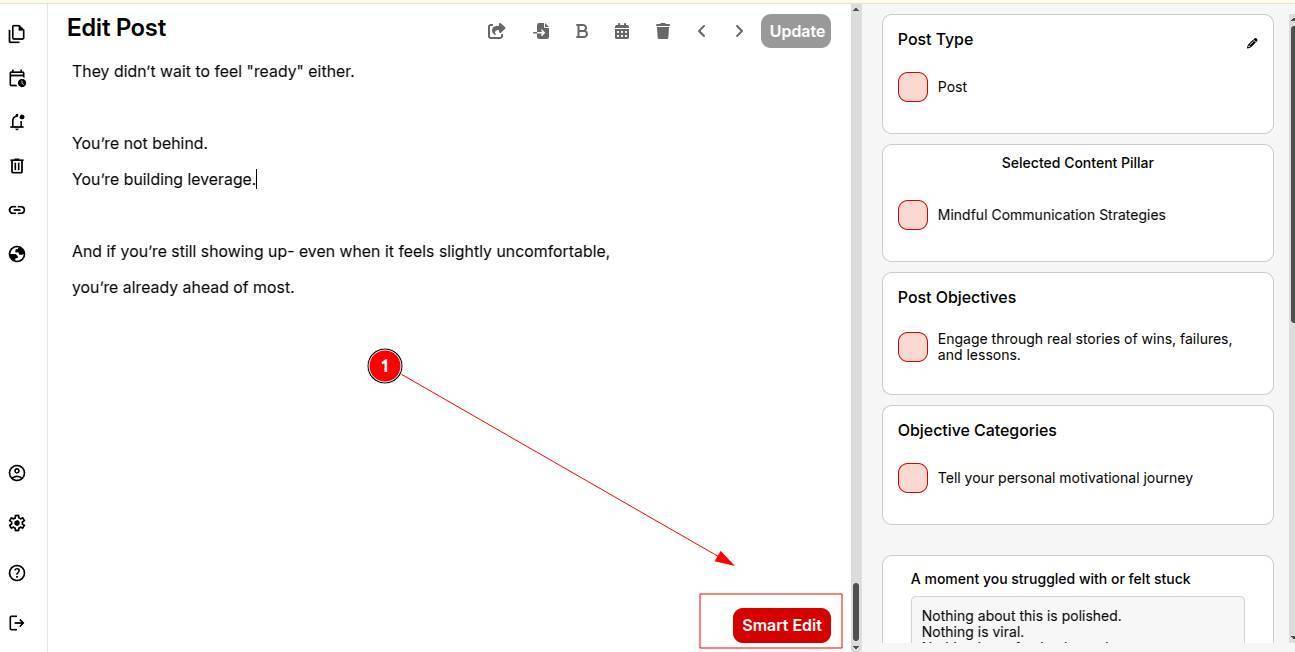
Once your content is created, you can use Smart Edit to refine it using multiple AI tools, all in one place:
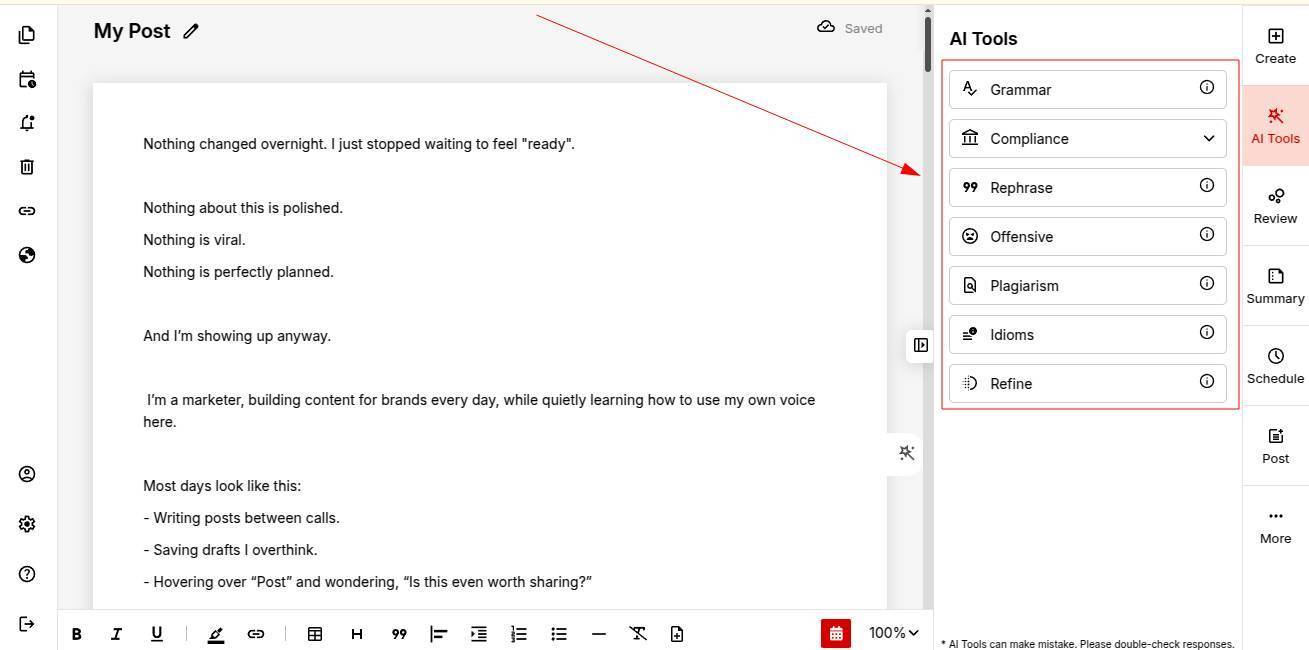
1. Proofreading & Grammar Check
Fix spelling mistakes, grammar errors and punctuation issues instantly.
2. Rephrase Content
Rewrite sentences for better clarity and impact, without changing the original meaning.
3. Refine Using Similar Words & Decorators
Enhance your content with better word choices and tone adjustments to make it more engaging.
4. Plagiarism Check
Ensure your content is original and safe to publish across platforms.
5. Compliance Check (Premium Add-on Feature)
Verify that your content meets platform and brand compliance guidelines. Note: Available only for users with the premium add-on.
6. Abusive Content Check
Detect and avoid offensive or inappropriate language before posting.
Once you’re satisfied with your edits, you can move your content directly to the Content Calendar and schedule it for publishing.
You’re all set to explore how to publish and make your content live on ContentCraft.