
ProofLex
Open Appi-Resonate Help Center
ProofLex Help
Document Creation
Proofreading
Doc Insights
Team Management / WorkFlows
Microsoft Word Plugin
Microsoft Outlook Plugin
ContentCraft Help
MindWrite Help
Check the emotions present in your document using ProofLex.
Emotion in writing plays a huge role in how your message is understood. Sometimes your content may sound too intense, too soft or unintentionally emotional, without you realizing it.
Analyzing emotions helps you make sure your writing matches the tone you intend to communicate, especially in professional documents.
ProofLex helps you quickly identify emotional patterns in your content so you can adjust the tone with confidence.
How to check the emotional ratio in your document:
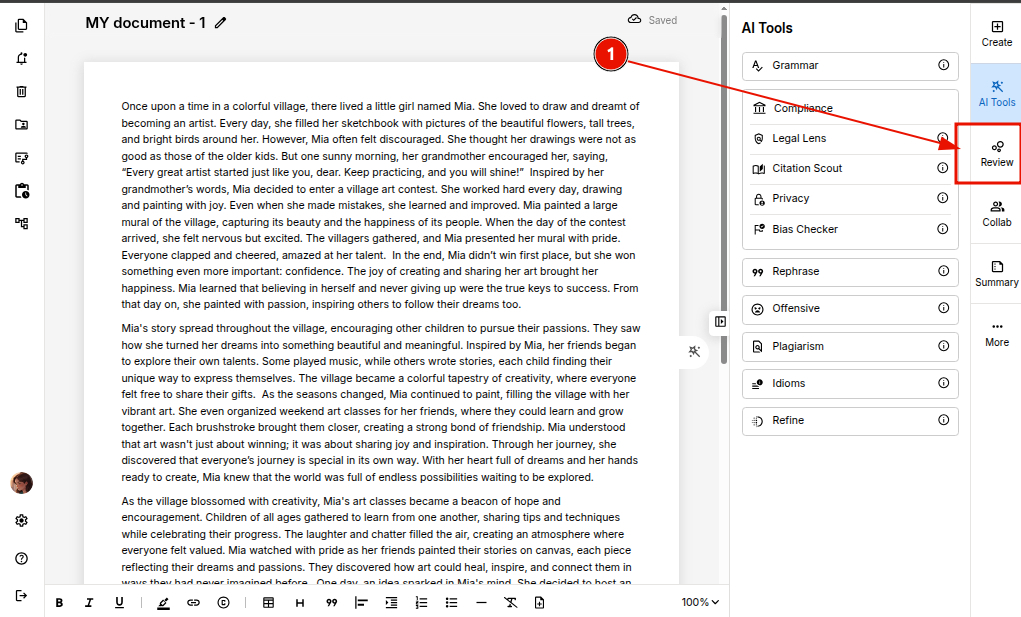
STEP 1. Open your document in the editor and click 'Review' on the right panel.
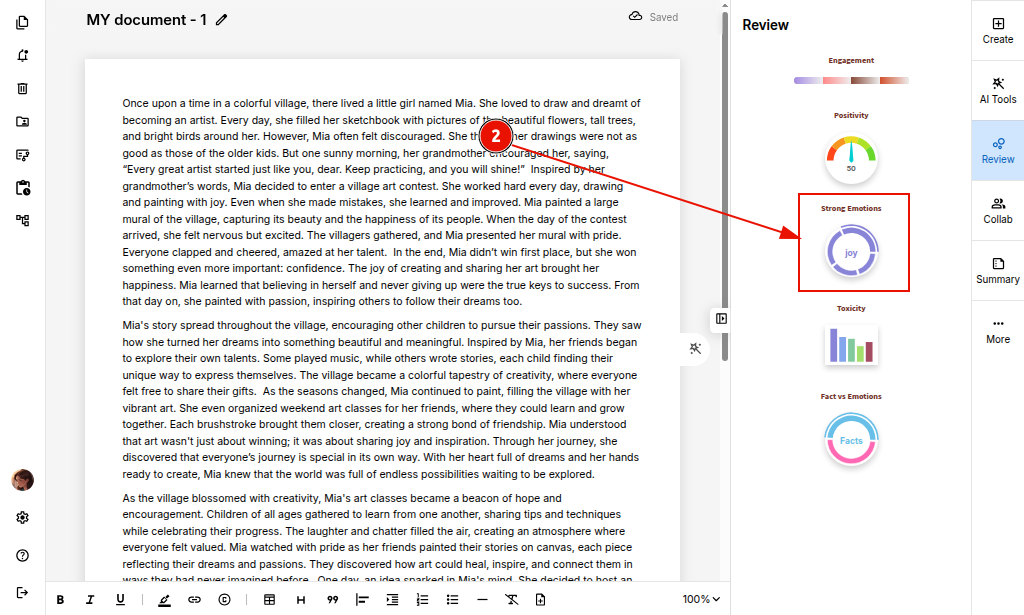
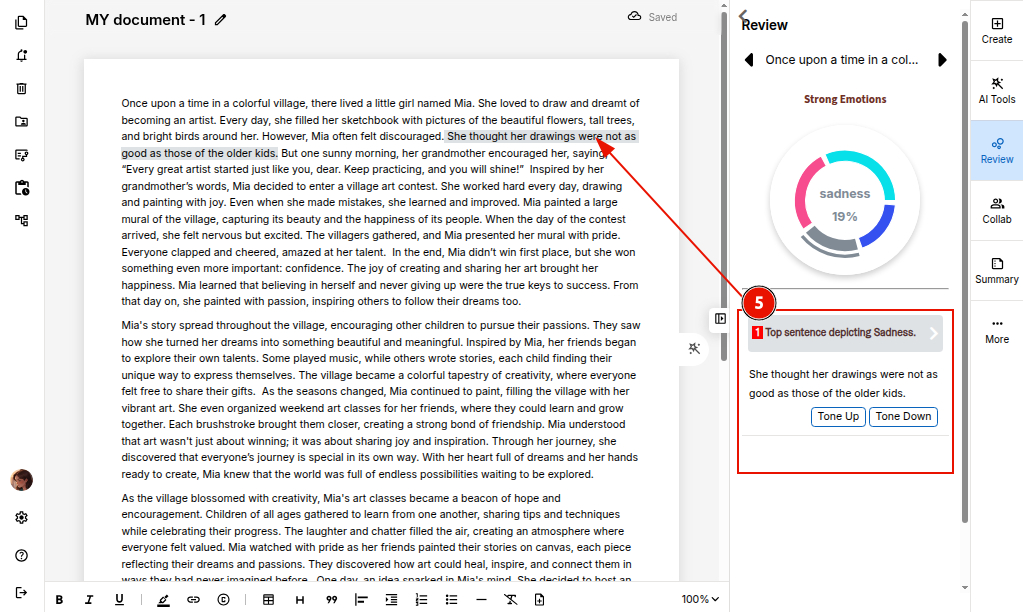
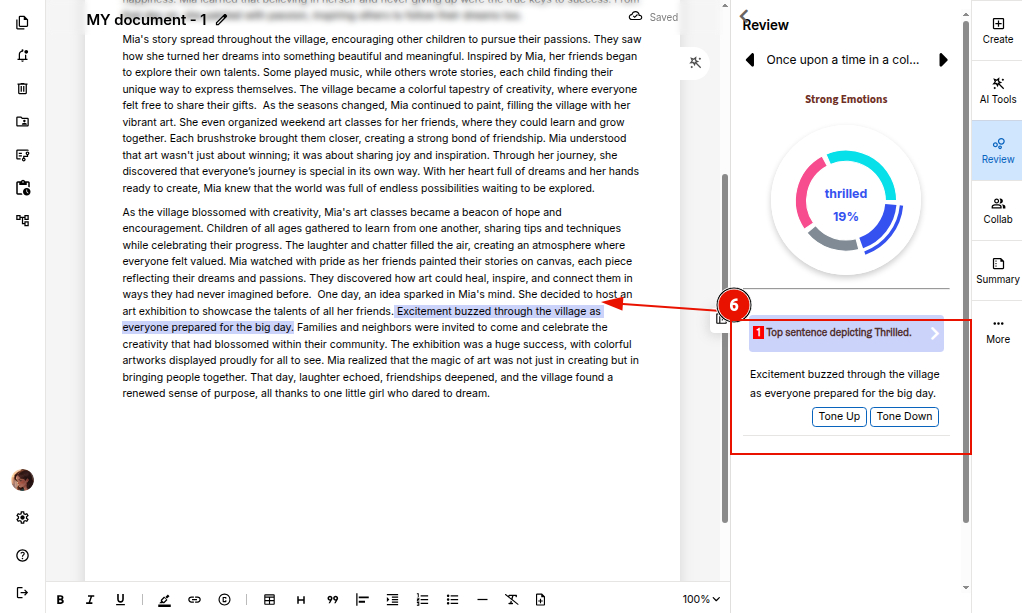
STEP 2. Click on the 'Strong Emotions' graph to analyze the emotional factors detected in your content.
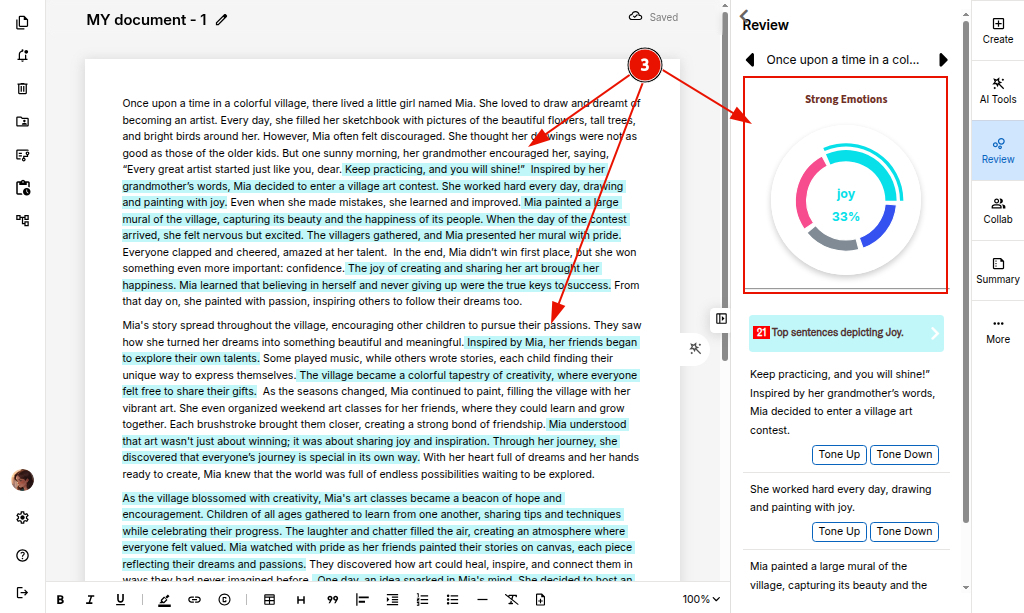
STEP 3: A percentage graph will appear showing all the emotions present in the document.
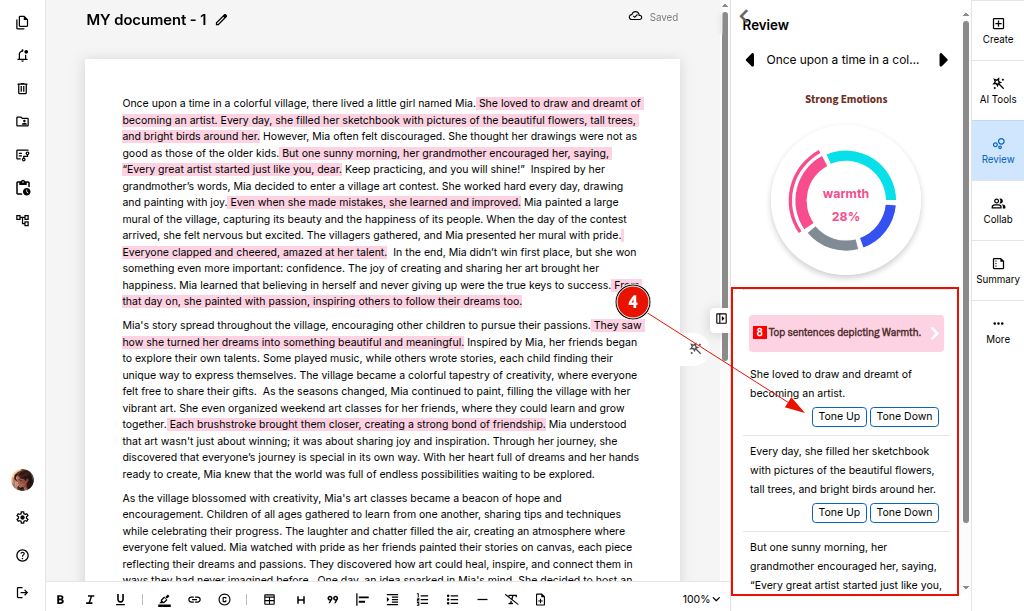
STEP 4: You can hover over different sections to see which emotions you may want to Tone Up or Tone Down based on the purpose of your document.
You can also explore the ProofLex tool to further evaluate the positivity level of your document.