
ProofLex
Open Appi-Resonate Help Center
ProofLex Help
Document Creation
Proofreading
Doc Insights
Team Management / WorkFlows
Microsoft Word Plugin
Microsoft Outlook Plugin
ContentCraft Help
MindWrite Help
Generate document and document outline with ProofLex
Documents are written records that capture information in a structured format.
Sometimes, you might have a good idea in your mind but aren’t sure how to start writing or how to structure it. That’s where creating an outline or a draft first can be really helpful.
It gives your ideas direction and makes the writing process smoother.
With ProofLex, creating documents and outlines is fast and AI-powered. Whether you need a blog, report or proposal, AI helps you quickly transform your ideas into structured, high-quality content.
Follow this quick guide to create a complete document or a document outline:
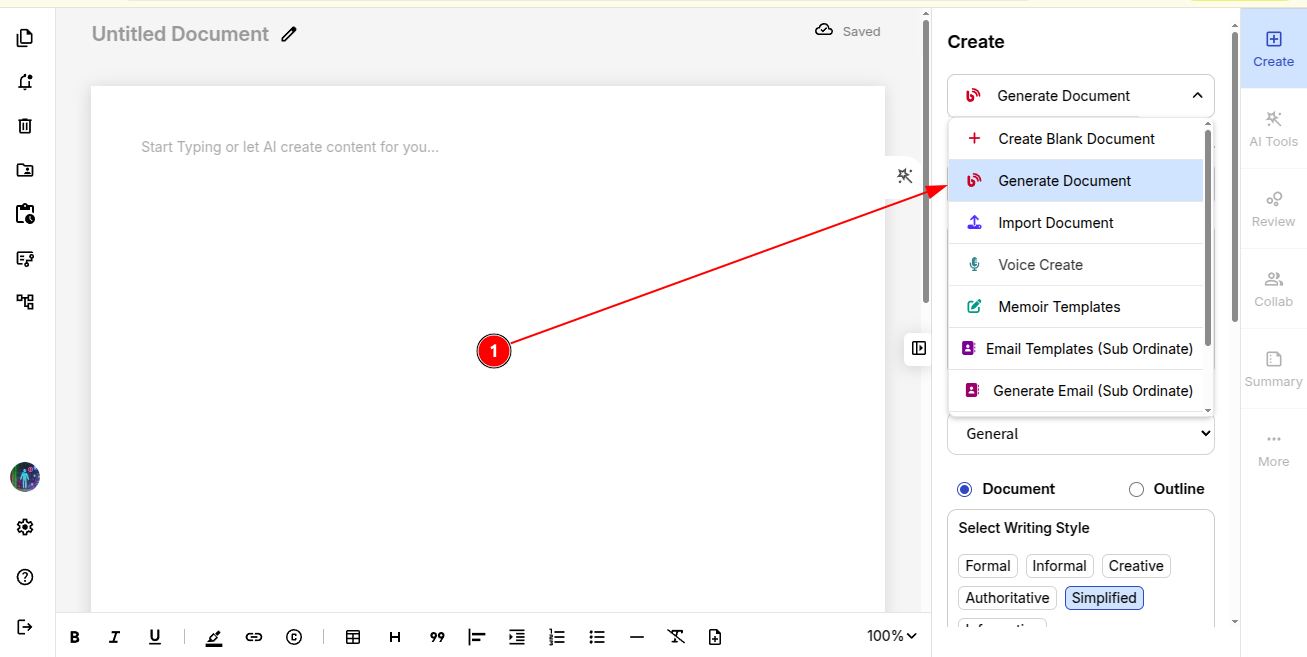
Step 1: Click on “Generate Document” from the drop-down create menu.
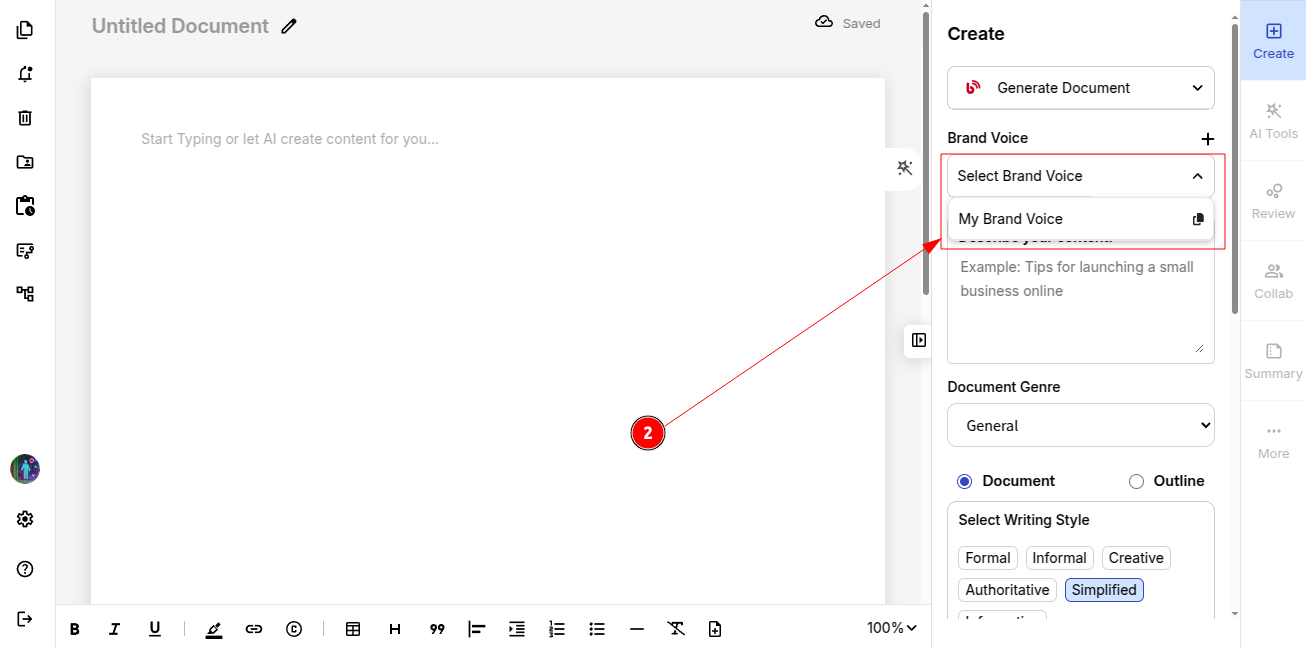
Step 2: Define your brand voice to generate content pillars that align with your identity and resonate with your audience.
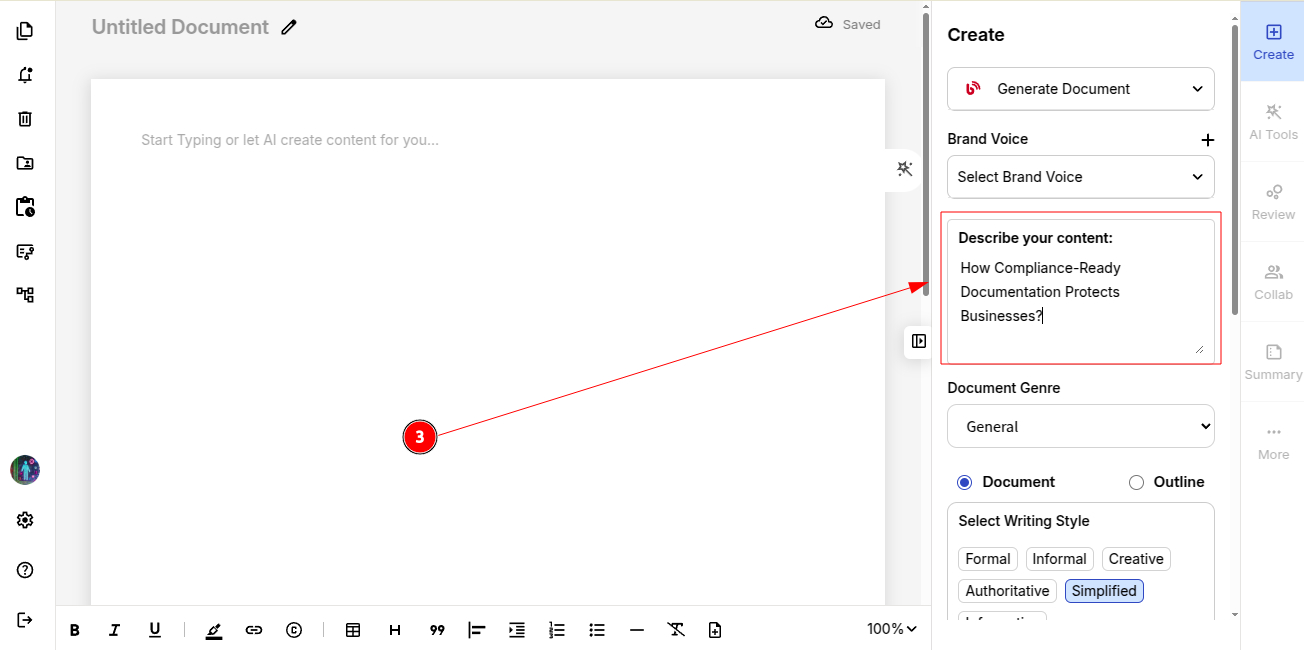
Step 3: Describe your content topic for the blog/document to customize it accordingly.
Step 4: Select your document genre (e.g., entertainment, technology, general, etc).
Step 5: Decide what you want to generate: Document or Outline.
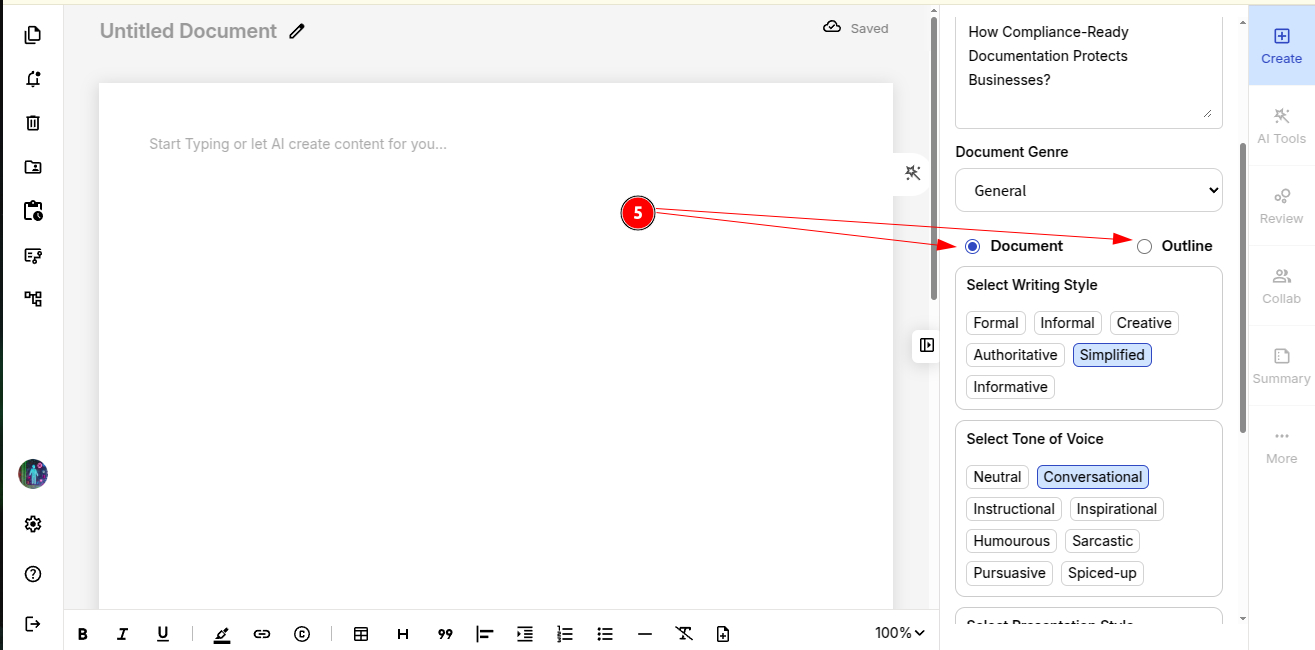
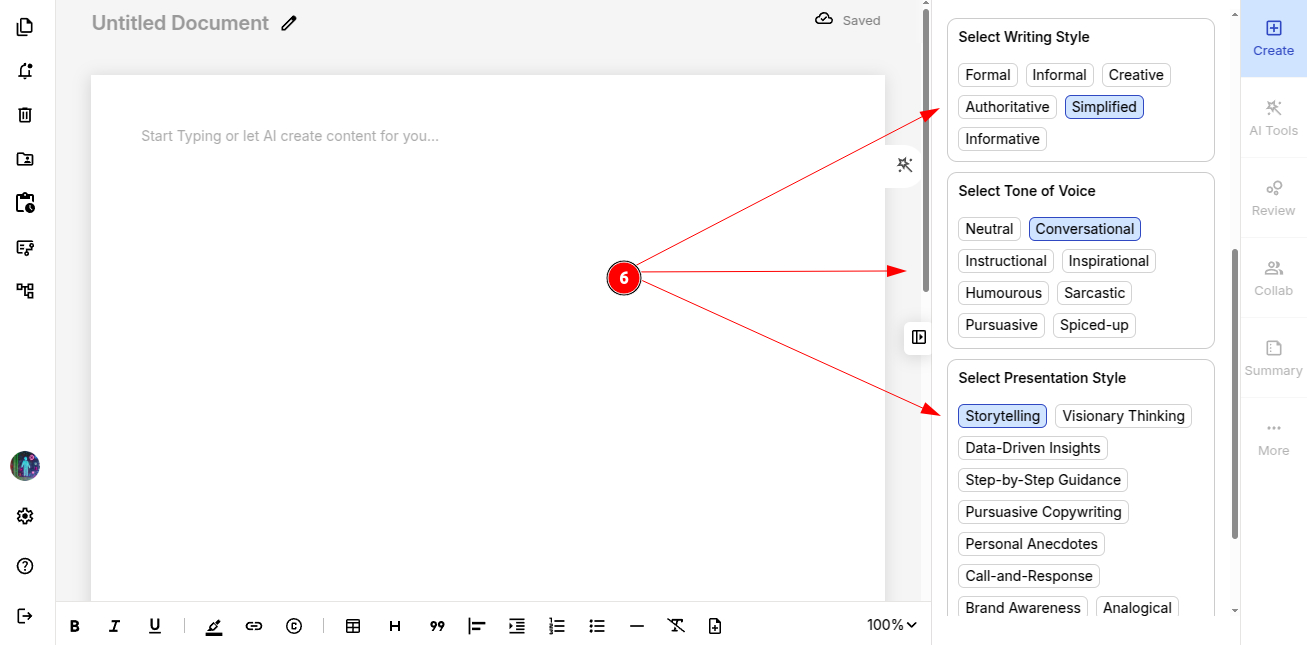
Step 6: Pick your writing style, tone of voice and presentation style to shape the final output.
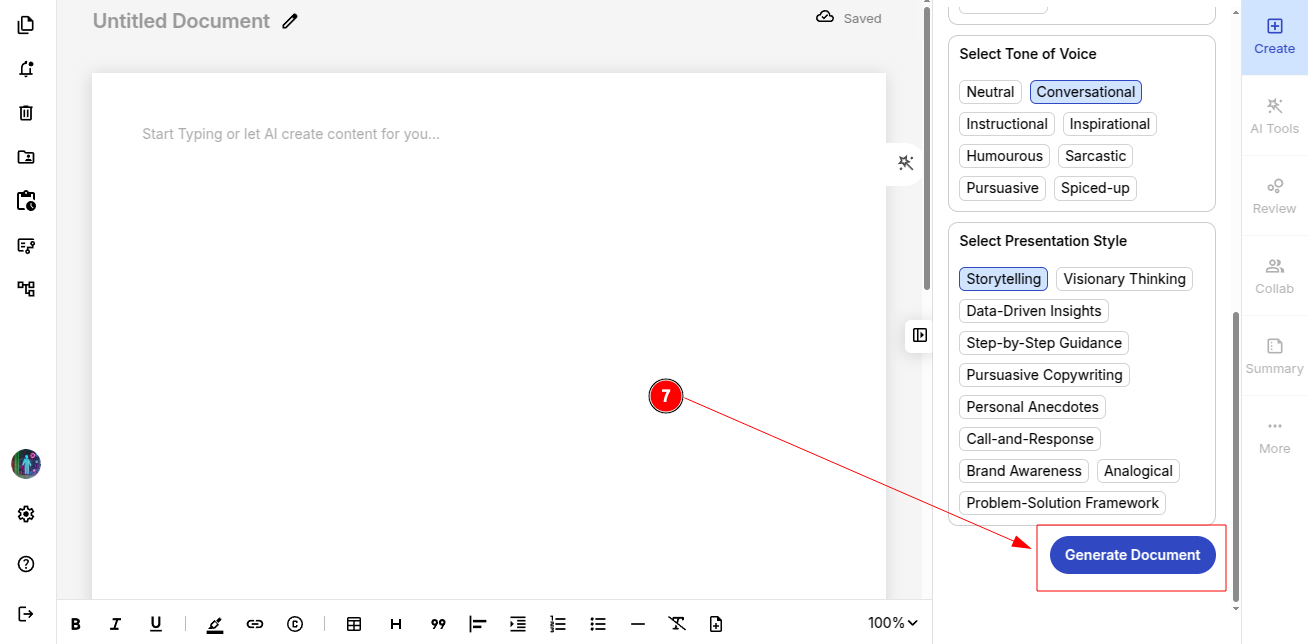
Step 7: Hit “Generate” and watch your AI-powered blog come to life!
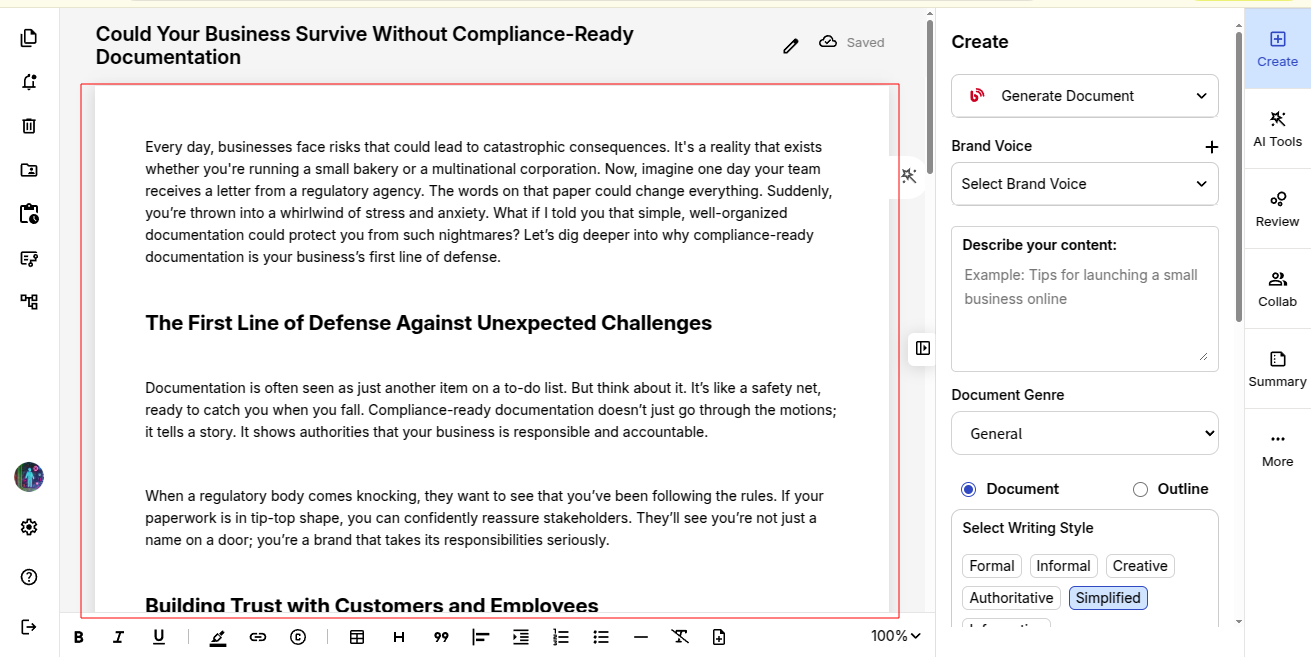
Your Complete Document is now Ready!
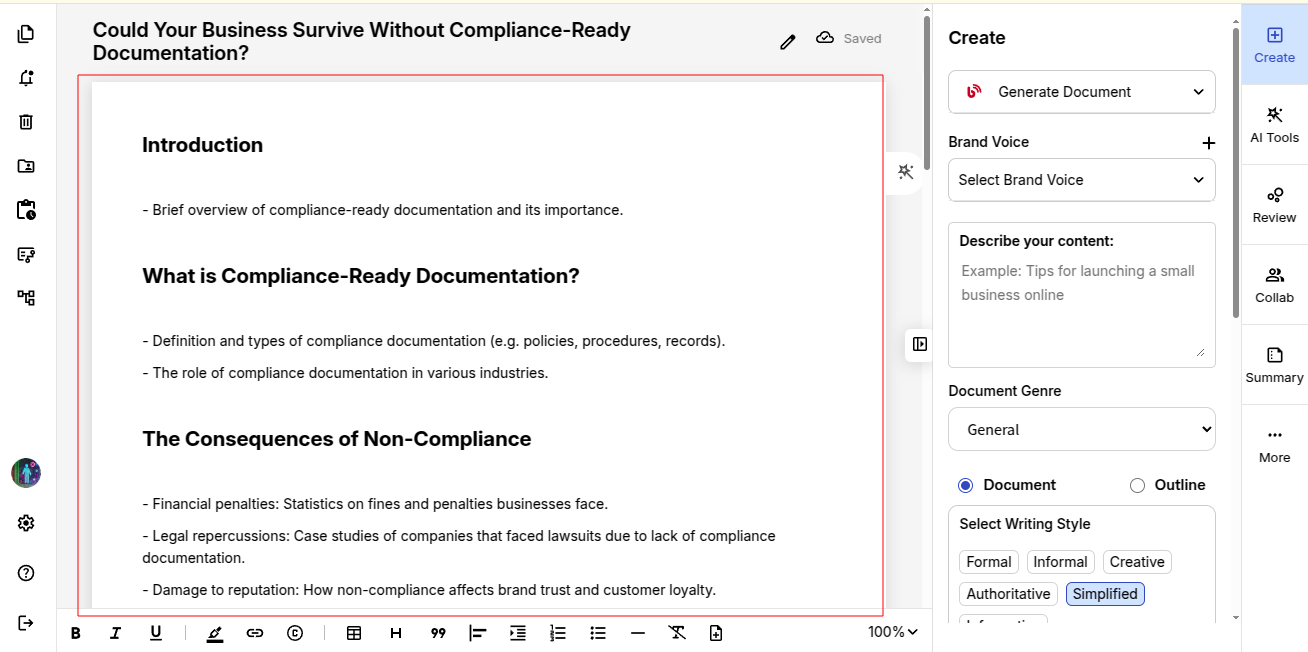
If you choose to create document Outline, the result would be as below:
Further you can also explore creating memoirs with ProofLex!