Personalised memoirs are meaningful stories created from your own memories, experiences and emotions.
Generating these memoirs gives you a powerful way to celebrate your experiences and eave a legacy.
With ProofLex, you can effortlessly generate a personalised memoir by simply sharing your topic and then freely customise every detail using AI tools to match your style and story.
Follow these steps to generate memoirs :
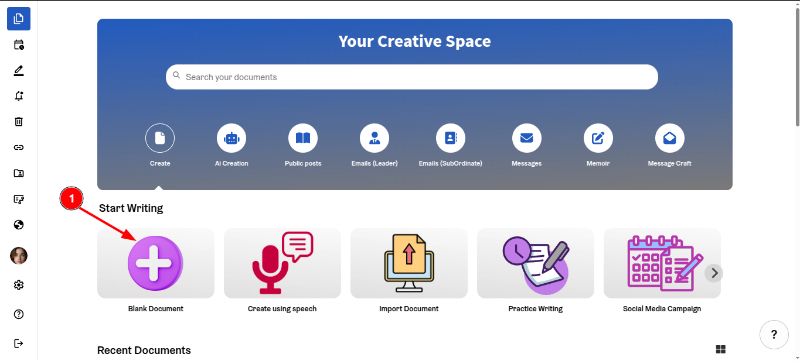
- Click on the “Blank Document.”
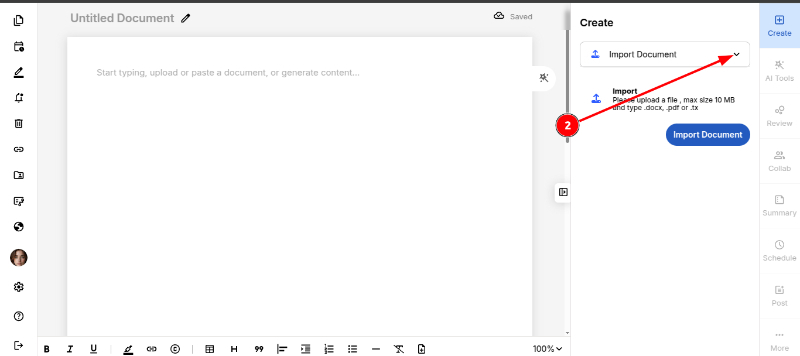
2. Now, Click on the dropdown icon.
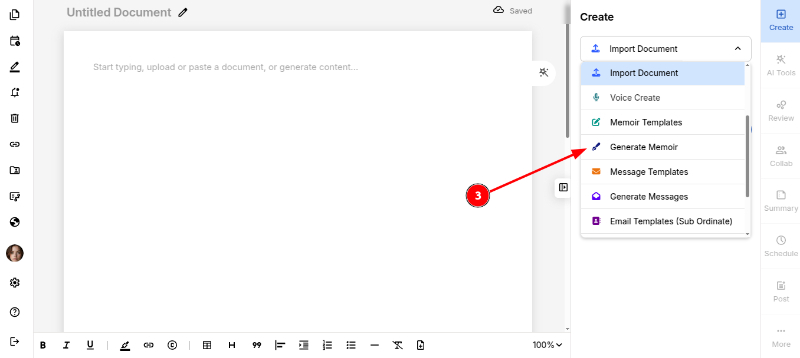
3. Select “Generate Memoir”
4. Now, enter a title for your memoir.
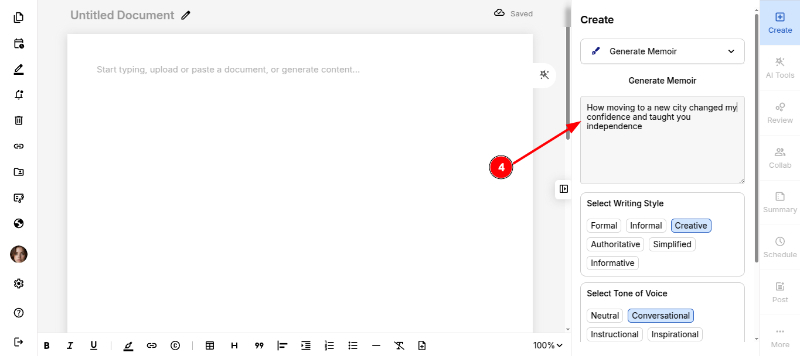
5. Choose your writing style (formal, casual) and tone of voice (conversational, neutral, inspirational) to give the memoir your unique voice and personality.
6. Finally, click “Generate.”
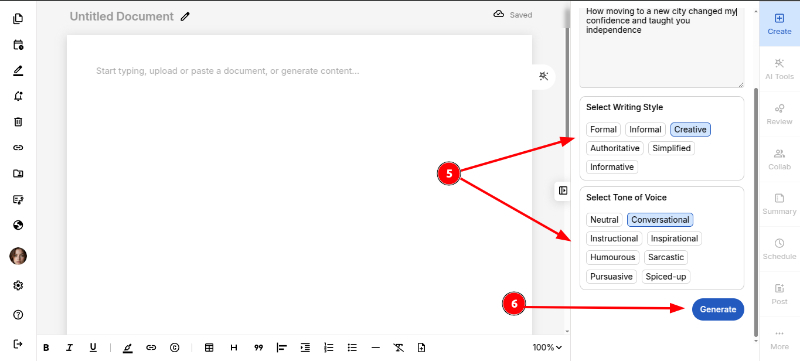
Your memoir is now generated.
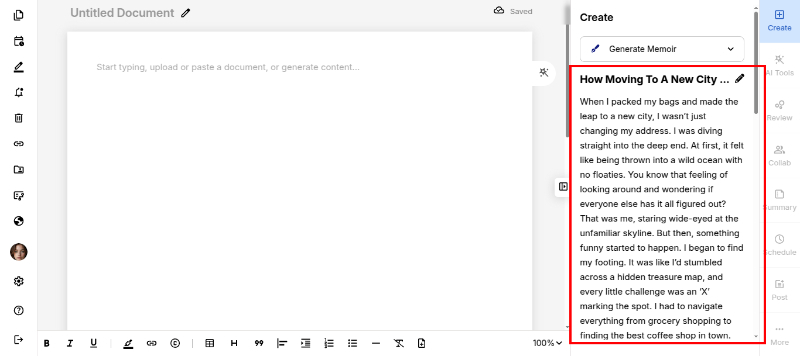
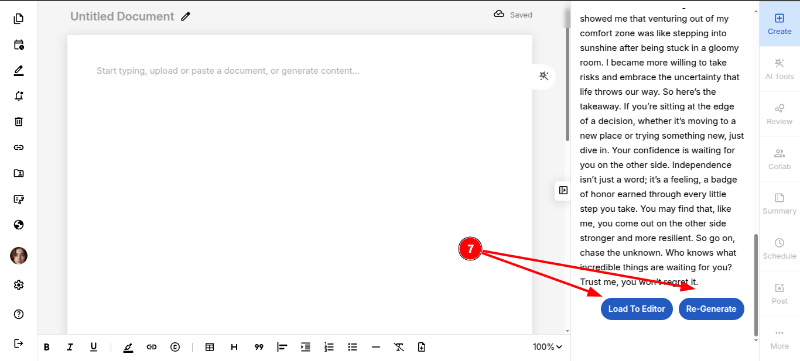
7. Either “Load in Editor” or “Re-generate” if you want another version.
8. Once the document loads in the Editor, you can freely customise it using Gear icon, if required.
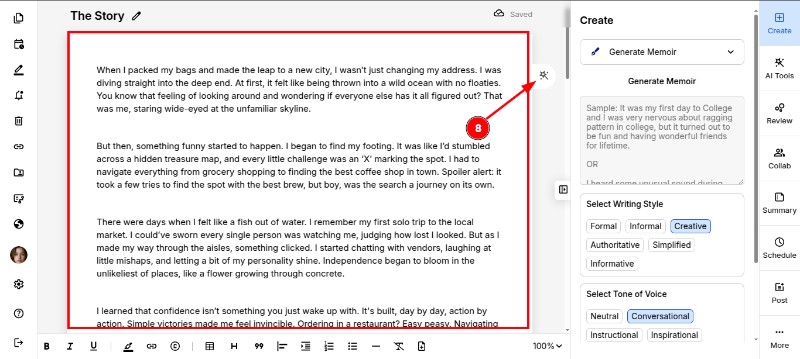
After finalising, you can export your memoir safely.
You can also explore engagement score to analyse your memoir further.
