
ProofLex
Open Appi-Resonate Help Center
ProofLex Help
Document Creation
Proofreading
Doc Insights
Team Management / WorkFlows
Microsoft Word Plugin
Microsoft Outlook Plugin
ContentCraft Help
MindWrite Help
Read Aloud in ProofLex
The Read Aloud feature lets ProofLex read your document out loud, helping you review content quickly. It catch errors and understand your writing better helping you save time and effort.
How to Use Read Aloud :
STEP 1: Click on the three dots in the right menu.
STEP 2: Select “Read Aloud.”
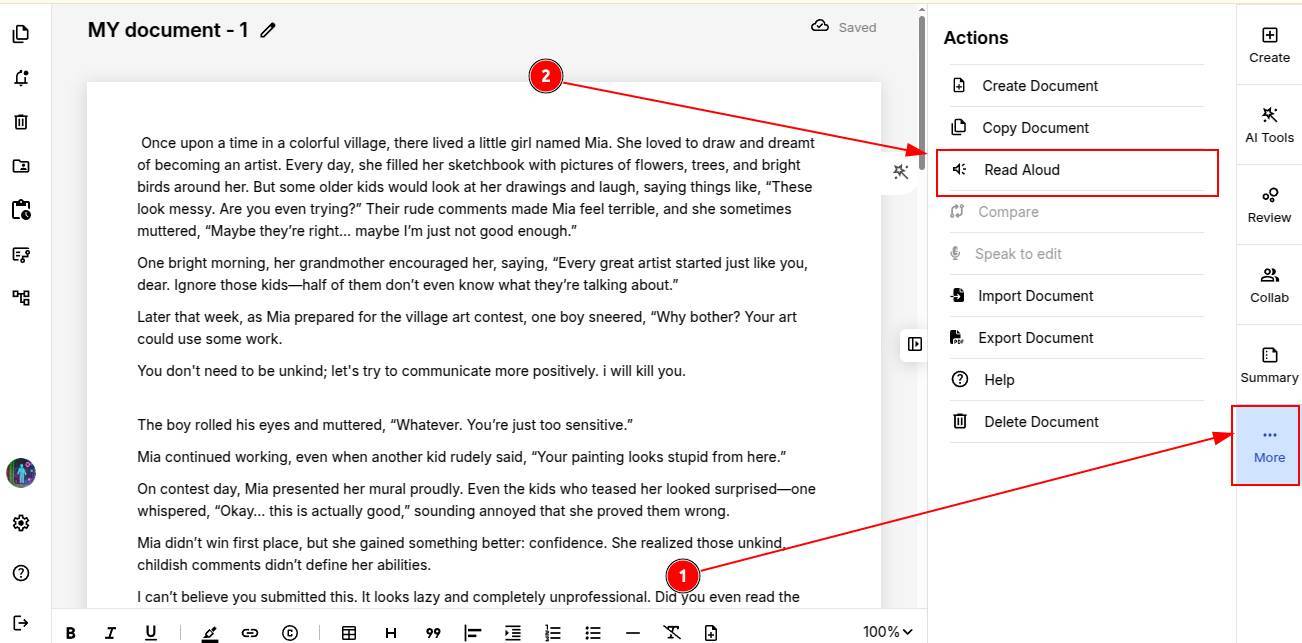
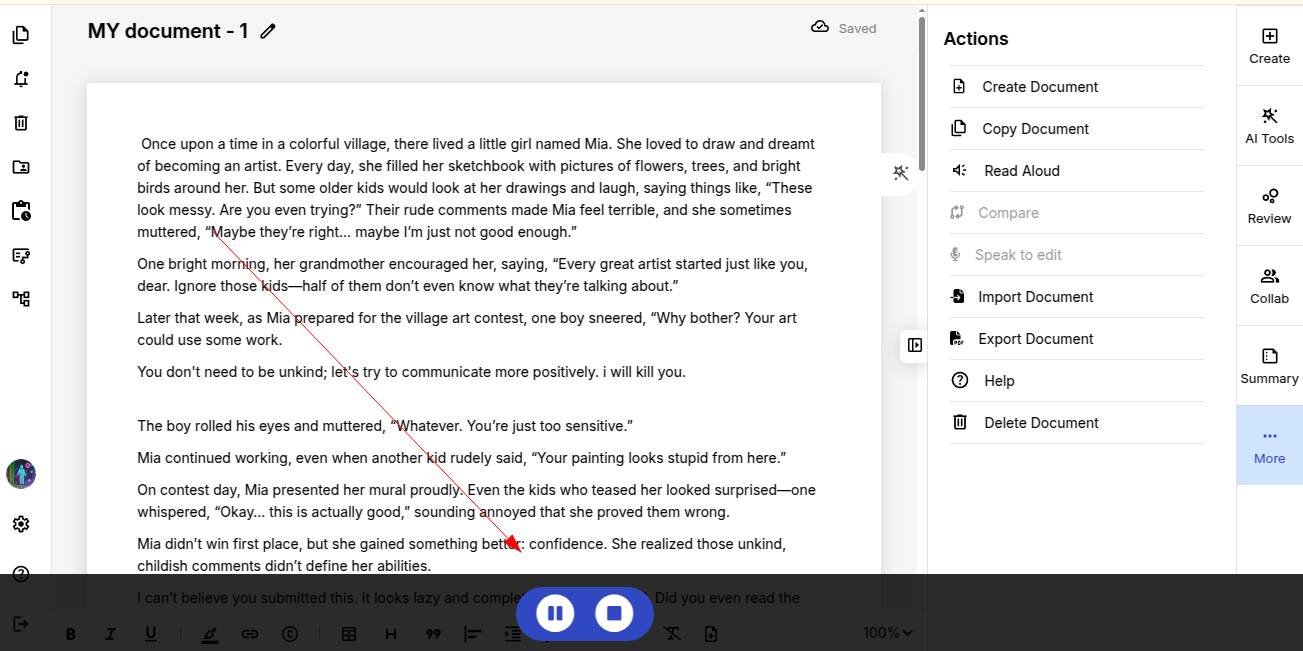
ProofLex will start reading your document instantly. You can pause or stop the reading anytime.
Explore how to generate content in ProofLex by simply entering a title.